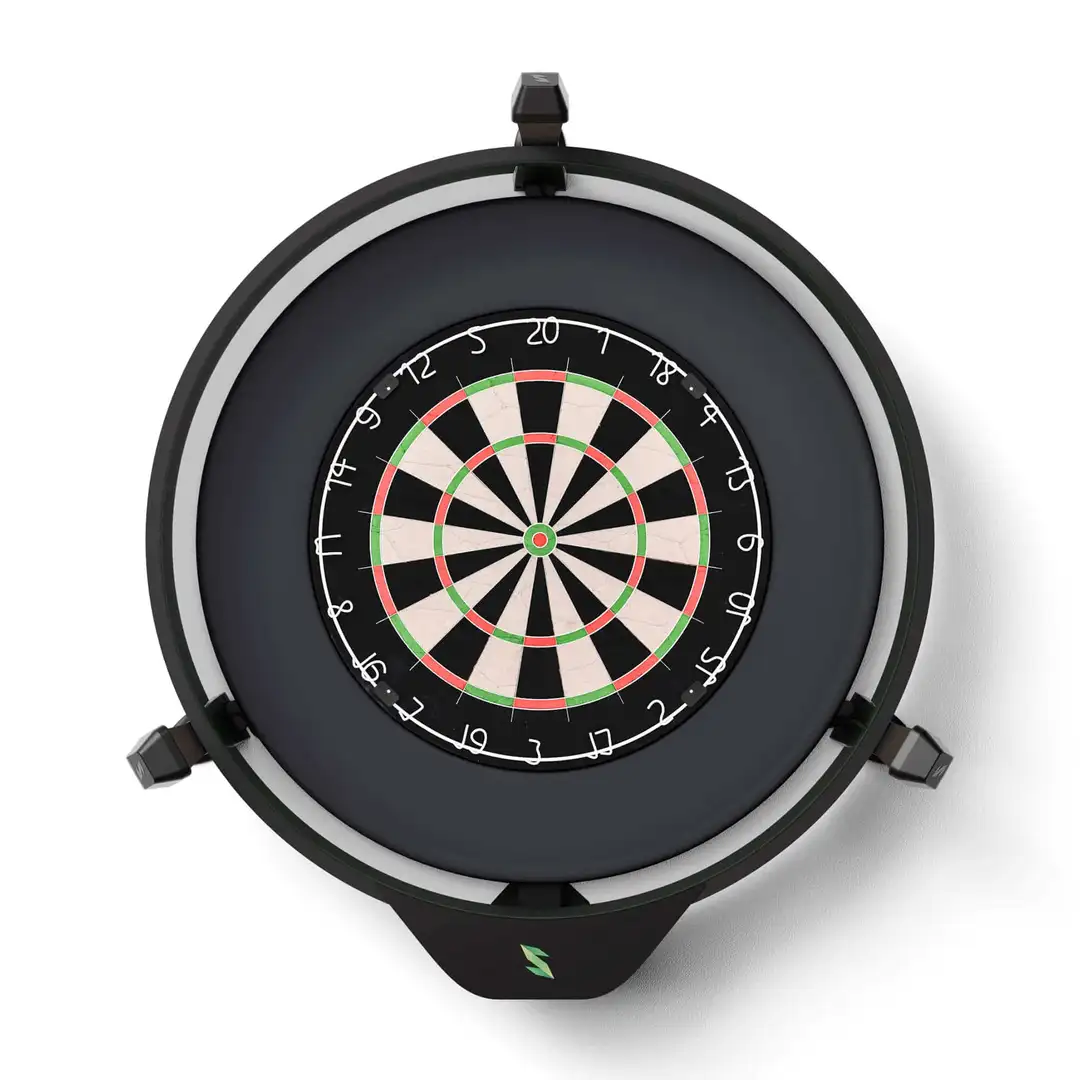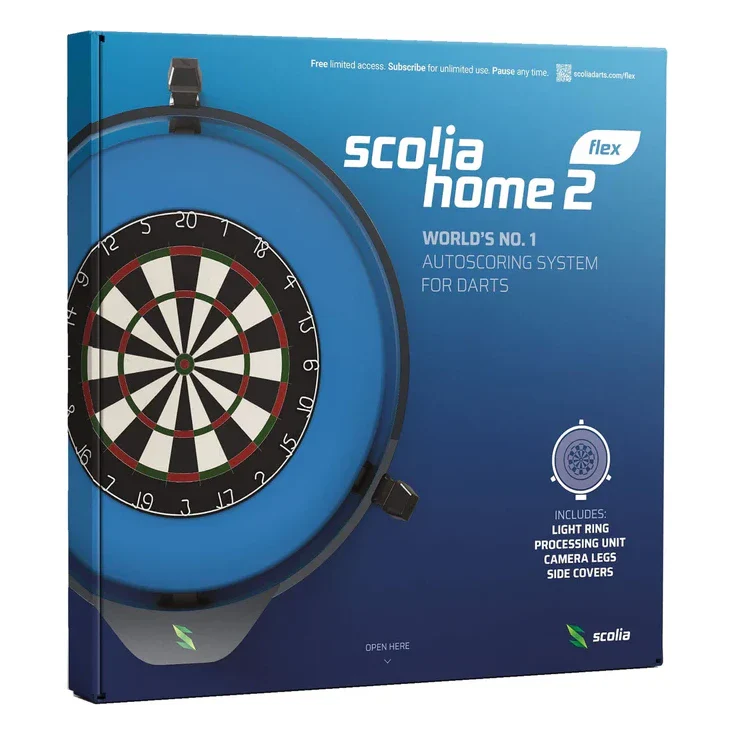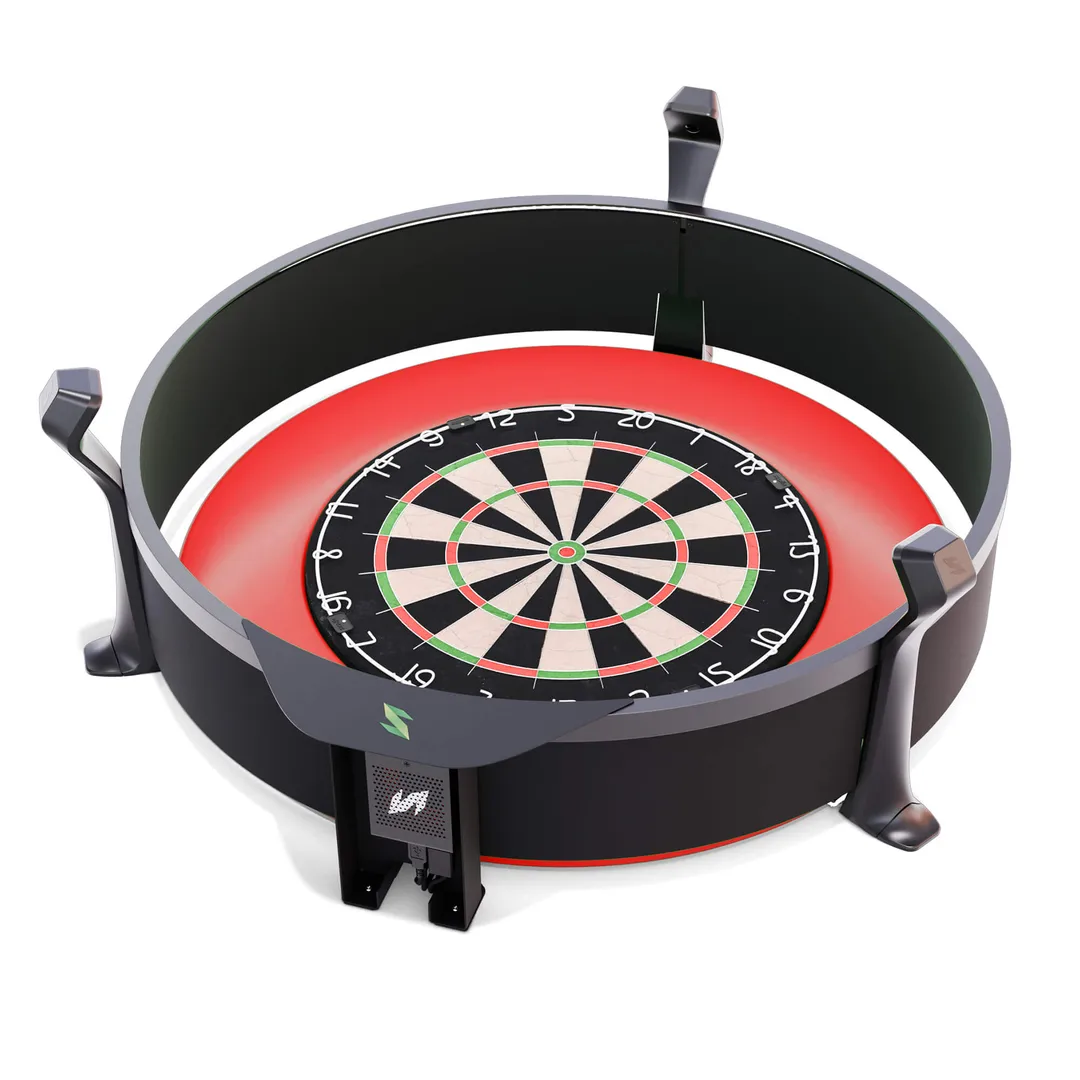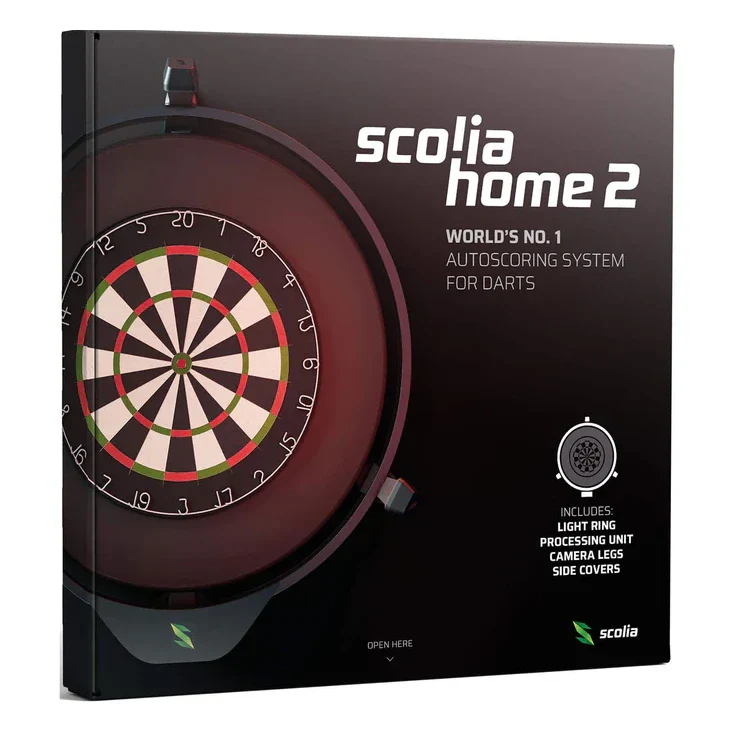
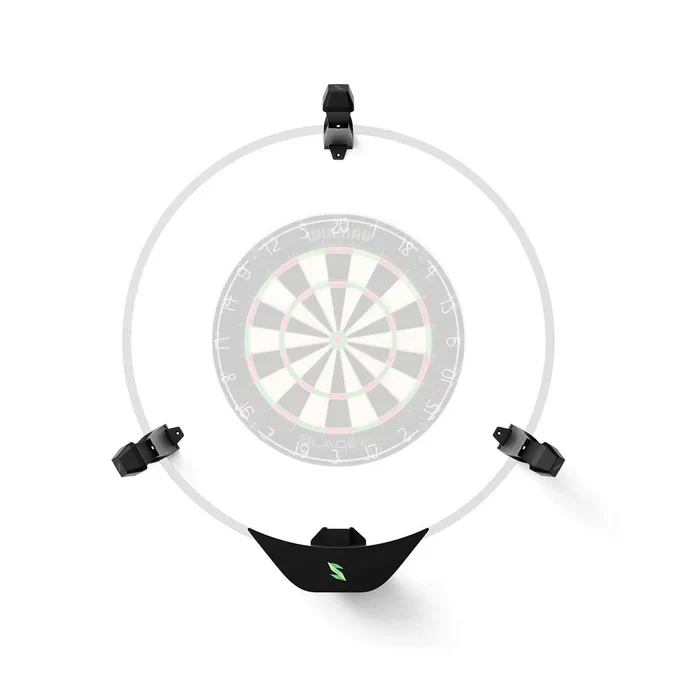
Scolia Home 2 Dartboard Camera System
Scolia Home 2 Dartboard Camera System - WITHOUT LIGHT RING
UNLIMITED USE
The Scolia App
Scolia Home 2 – Installation Requirements
Scolia Home 2 is designed for reliable, professional-level scoring in home and semi-commercial environments. Before purchasing, please review the installation requirements below to ensure your setup is compatible.
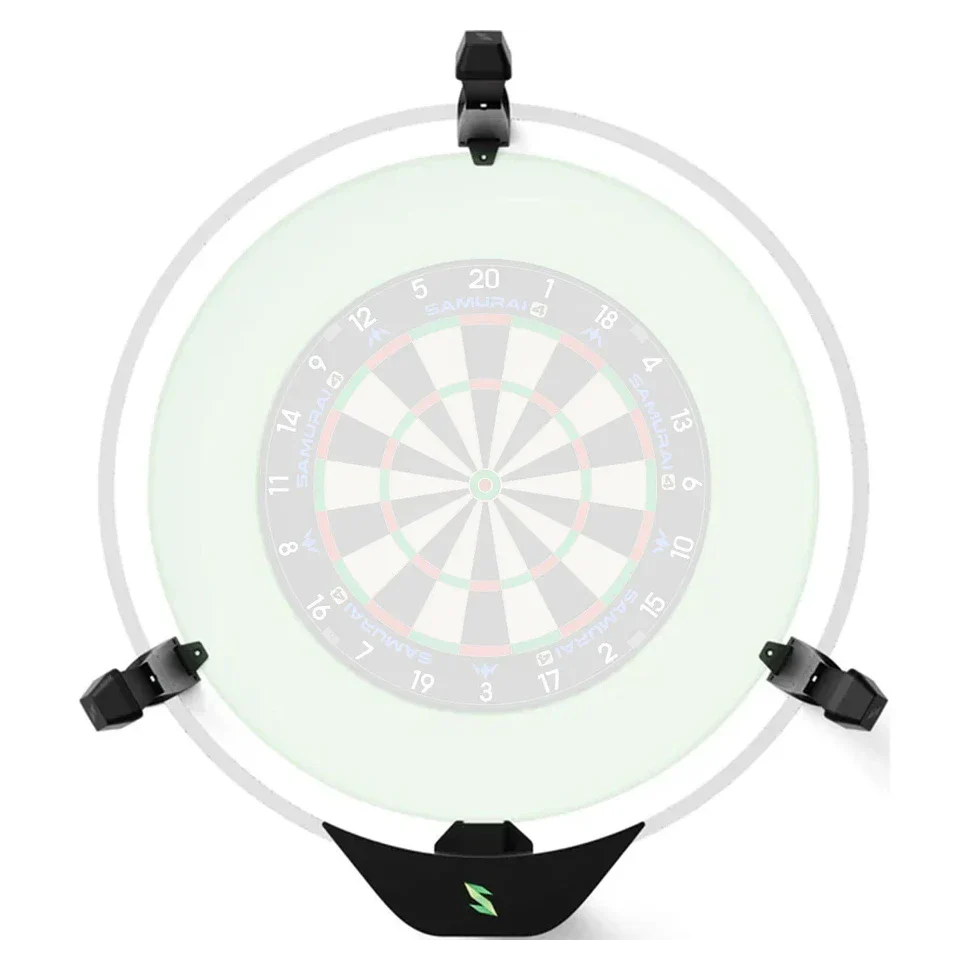
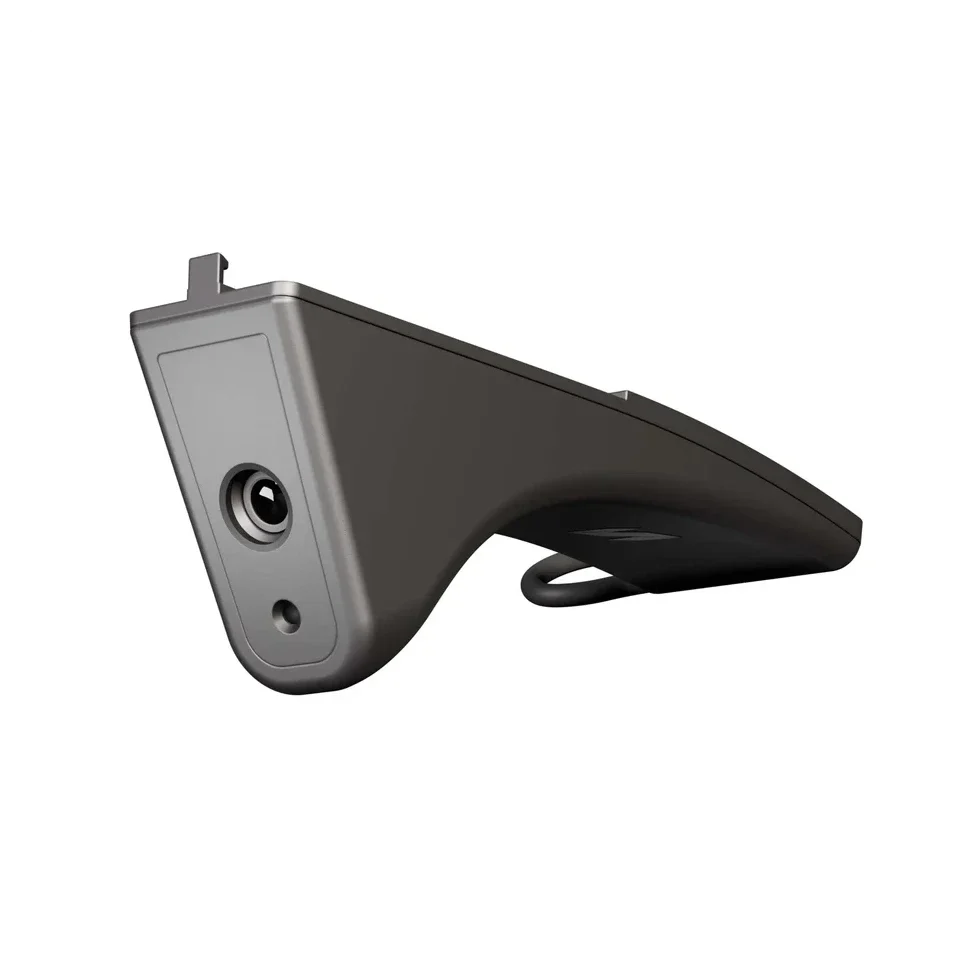
The new generation of the Scolia Home autoscoring system has arrived. Mounted on the wall with fixed camera legs, the system is stable, robust, and it provides an excellent gaming experience for home darters. Scolia Home 2 has it all.
What You’ll Need
- Standard steel-tip dartboard
- Flat wall area of at least 75 × 85 cm around the dartboard, mounted on a solid wall (brick or concrete recommended)
- Minimum ceiling height: 215 cm
- Internet connection: Wired LAN is not mandatory but strongly recommended for best performance and lowest latency
- If purchasing Scolia Home 2 without a light ring, a Winmau Plasma light surround is required for installation
Important Notes
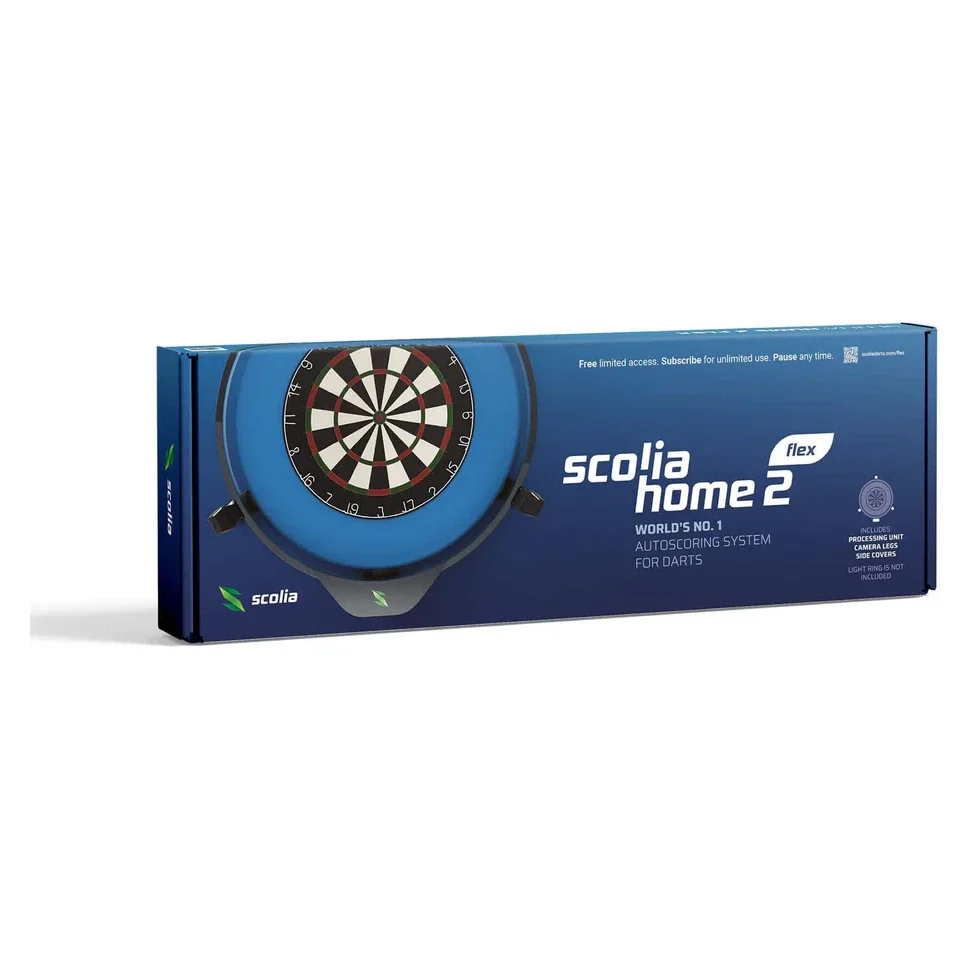
- The Scolia Home 2 system does not include: dartboard, dartboard surround, or light ring
- These accessories can be added separately to your order if required
- No dedicated display is included — the Scolia app runs in a web browser, allowing use on smartphones, tablets, PCs, or TVs
Once installed, Scolia Home 2 requires no ongoing manual calibration for day-to-day use.
Compatible Dartboards
- Winmau Blade 6 Triple Core
- Unicorn Eclipse Ultra 2.0
- Winmau Blade 360
- Winmau Diamond Plus
- Shot Ranger
Compatible Dartboard Surrounds
- Winmau Surrounds
- Winmau Blade 360 Surround
- Winmau Advanced White/Green Surround
- Unicorn Striker Surround
- Bull's Surround
In The Box


By default, your Scolia system uses the “Camera Arrangement” setting on your My Boards page to determine the exact location of your cameras. If you face any calibration issues, make sure to set the correct arrangement and recalibrate your board.
Frequently Asked Questions
What are the setup requirements for Scolia Home 2?
You will need a standard steel-tip dartboard and a flat wall area of at least 75 × 85 cm on a solid wall (brick or concrete preferred), with a minimum ceiling height of 215 cm.
If you purchase the system without a light ring, a Winmau Plasma light surround is required to mount the complete setup.
While wired internet is not required, it is highly recommended for best performance.
Which light surrounds are compatible with Scolia Home 2?
Scolia Home 2 can be purchased with or without a Scolia light ring. In addition to the Scolia light ring, the system is compatible with the Winmau Plasma light surround.
If you already own a Winmau Plasma light, we recommend purchasing the system without a light ring. Performance cannot be guaranteed with other third-party light surrounds.
Can Scolia Home 2 be used outside a home environment?
Yes. Scolia Home 2 is suitable for use in offices, darts clubs, and darts bars. Its robust design ensures reliable performance in a wide range of environments, with no need for regular recalibration once installed.
Is a wired internet connection required?
A wired LAN connection is not mandatory but is strongly recommended. A direct connection to your router provides the most stable communication with Scolia servers.
WiFi is supported, but performance depends heavily on network quality. If latency is important, we recommend using a wired connection for both the Scolia unit and your display device where possible.
Is Scolia Home 2 compatible with the Winmau Blade X?
Yes. The Winmau Blade X dartboard is fully supported by Scolia Home 2.
Do Scolia Home 2 owners have access to the same software features as Scolia Pro users?
Yes. All Scolia users — including Home, Home 2, and Pro owners — have access to the full functionality of the Scolia web application once registered at game.scoliadarts.com.

Scolia Home 2 Dartboard Camera System - WITHOUT LIGHT RING
UNLIMITED USE
The Scolia App
Scolia Home 2 – Installation Requirements
Scolia Home 2 is designed for reliable, professional-level scoring in home and semi-commercial environments. Before purchasing, please review the installation requirements below to ensure your setup is compatible.
The new generation of the Scolia Home autoscoring system has arrived. Mounted on the wall with fixed camera legs, the system is stable, robust, and it provides an excellent gaming experience for home darters. Scolia Home 2 has it all.
What You’ll Need
- Standard steel-tip dartboard
- Flat wall area of at least 75 × 85 cm around the dartboard, mounted on a solid wall (brick or concrete recommended)
- Minimum ceiling height: 215 cm
- Internet connection: Wired LAN is not mandatory but strongly recommended for best performance and lowest latency
- If purchasing Scolia Home 2 without a light ring, a Winmau Plasma light surround is required for installation
Important Notes
- The Scolia Home 2 system does not include: dartboard, dartboard surround, or light ring
- These accessories can be added separately to your order if required
- No dedicated display is included — the Scolia app runs in a web browser, allowing use on smartphones, tablets, PCs, or TVs
Once installed, Scolia Home 2 requires no ongoing manual calibration for day-to-day use.
Compatible Dartboards
- Winmau Blade 6 Triple Core
- Unicorn Eclipse Ultra 2.0
- Winmau Blade 360
- Winmau Diamond Plus
- Shot Ranger
Compatible Dartboard Surrounds
- Winmau Surrounds
- Winmau Blade 360 Surround
- Winmau Advanced White/Green Surround
- Unicorn Striker Surround
- Bull's Surround
In The Box
By default, your Scolia system uses the “Camera Arrangement” setting on your My Boards page to determine the exact location of your cameras. If you face any calibration issues, make sure to set the correct arrangement and recalibrate your board.
Frequently Asked Questions
What are the setup requirements for Scolia Home 2?
You will need a standard steel-tip dartboard and a flat wall area of at least 75 × 85 cm on a solid wall (brick or concrete preferred), with a minimum ceiling height of 215 cm.
If you purchase the system without a light ring, a Winmau Plasma light surround is required to mount the complete setup.
While wired internet is not required, it is highly recommended for best performance.
Which light surrounds are compatible with Scolia Home 2?
Scolia Home 2 can be purchased with or without a Scolia light ring. In addition to the Scolia light ring, the system is compatible with the Winmau Plasma light surround.
If you already own a Winmau Plasma light, we recommend purchasing the system without a light ring. Performance cannot be guaranteed with other third-party light surrounds.
Can Scolia Home 2 be used outside a home environment?
Yes. Scolia Home 2 is suitable for use in offices, darts clubs, and darts bars. Its robust design ensures reliable performance in a wide range of environments, with no need for regular recalibration once installed.
Is a wired internet connection required?
A wired LAN connection is not mandatory but is strongly recommended. A direct connection to your router provides the most stable communication with Scolia servers.
WiFi is supported, but performance depends heavily on network quality. If latency is important, we recommend using a wired connection for both the Scolia unit and your display device where possible.
Is Scolia Home 2 compatible with the Winmau Blade X?
Yes. The Winmau Blade X dartboard is fully supported by Scolia Home 2.
Do Scolia Home 2 owners have access to the same software features as Scolia Pro users?
Yes. All Scolia users — including Home, Home 2, and Pro owners — have access to the full functionality of the Scolia web application once registered at game.scoliadarts.com.
Description
Scolia Home 2 Dartboard Camera System - WITHOUT LIGHT RING
UNLIMITED USE
The Scolia App
Scolia Home 2 – Installation Requirements
Scolia Home 2 is designed for reliable, professional-level scoring in home and semi-commercial environments. Before purchasing, please review the installation requirements below to ensure your setup is compatible.
The new generation of the Scolia Home autoscoring system has arrived. Mounted on the wall with fixed camera legs, the system is stable, robust, and it provides an excellent gaming experience for home darters. Scolia Home 2 has it all.
What You’ll Need
- Standard steel-tip dartboard
- Flat wall area of at least 75 × 85 cm around the dartboard, mounted on a solid wall (brick or concrete recommended)
- Minimum ceiling height: 215 cm
- Internet connection: Wired LAN is not mandatory but strongly recommended for best performance and lowest latency
- If purchasing Scolia Home 2 without a light ring, a Winmau Plasma light surround is required for installation
Important Notes
- The Scolia Home 2 system does not include: dartboard, dartboard surround, or light ring
- These accessories can be added separately to your order if required
- No dedicated display is included — the Scolia app runs in a web browser, allowing use on smartphones, tablets, PCs, or TVs
Once installed, Scolia Home 2 requires no ongoing manual calibration for day-to-day use.
Compatible Dartboards
- Winmau Blade 6 Triple Core
- Unicorn Eclipse Ultra 2.0
- Winmau Blade 360
- Winmau Diamond Plus
- Shot Ranger
Compatible Dartboard Surrounds
- Winmau Surrounds
- Winmau Blade 360 Surround
- Winmau Advanced White/Green Surround
- Unicorn Striker Surround
- Bull's Surround
In The Box
By default, your Scolia system uses the “Camera Arrangement” setting on your My Boards page to determine the exact location of your cameras. If you face any calibration issues, make sure to set the correct arrangement and recalibrate your board.
Frequently Asked Questions
What are the setup requirements for Scolia Home 2?
You will need a standard steel-tip dartboard and a flat wall area of at least 75 × 85 cm on a solid wall (brick or concrete preferred), with a minimum ceiling height of 215 cm.
If you purchase the system without a light ring, a Winmau Plasma light surround is required to mount the complete setup.
While wired internet is not required, it is highly recommended for best performance.
Which light surrounds are compatible with Scolia Home 2?
Scolia Home 2 can be purchased with or without a Scolia light ring. In addition to the Scolia light ring, the system is compatible with the Winmau Plasma light surround.
If you already own a Winmau Plasma light, we recommend purchasing the system without a light ring. Performance cannot be guaranteed with other third-party light surrounds.
Can Scolia Home 2 be used outside a home environment?
Yes. Scolia Home 2 is suitable for use in offices, darts clubs, and darts bars. Its robust design ensures reliable performance in a wide range of environments, with no need for regular recalibration once installed.
Is a wired internet connection required?
A wired LAN connection is not mandatory but is strongly recommended. A direct connection to your router provides the most stable communication with Scolia servers.
WiFi is supported, but performance depends heavily on network quality. If latency is important, we recommend using a wired connection for both the Scolia unit and your display device where possible.
Is Scolia Home 2 compatible with the Winmau Blade X?
Yes. The Winmau Blade X dartboard is fully supported by Scolia Home 2.
Do Scolia Home 2 owners have access to the same software features as Scolia Pro users?
Yes. All Scolia users — including Home, Home 2, and Pro owners — have access to the full functionality of the Scolia web application once registered at game.scoliadarts.com.